
Remote Deposit Capture: Top Tips for Secure and Efficient Deposits
November 25, 2026
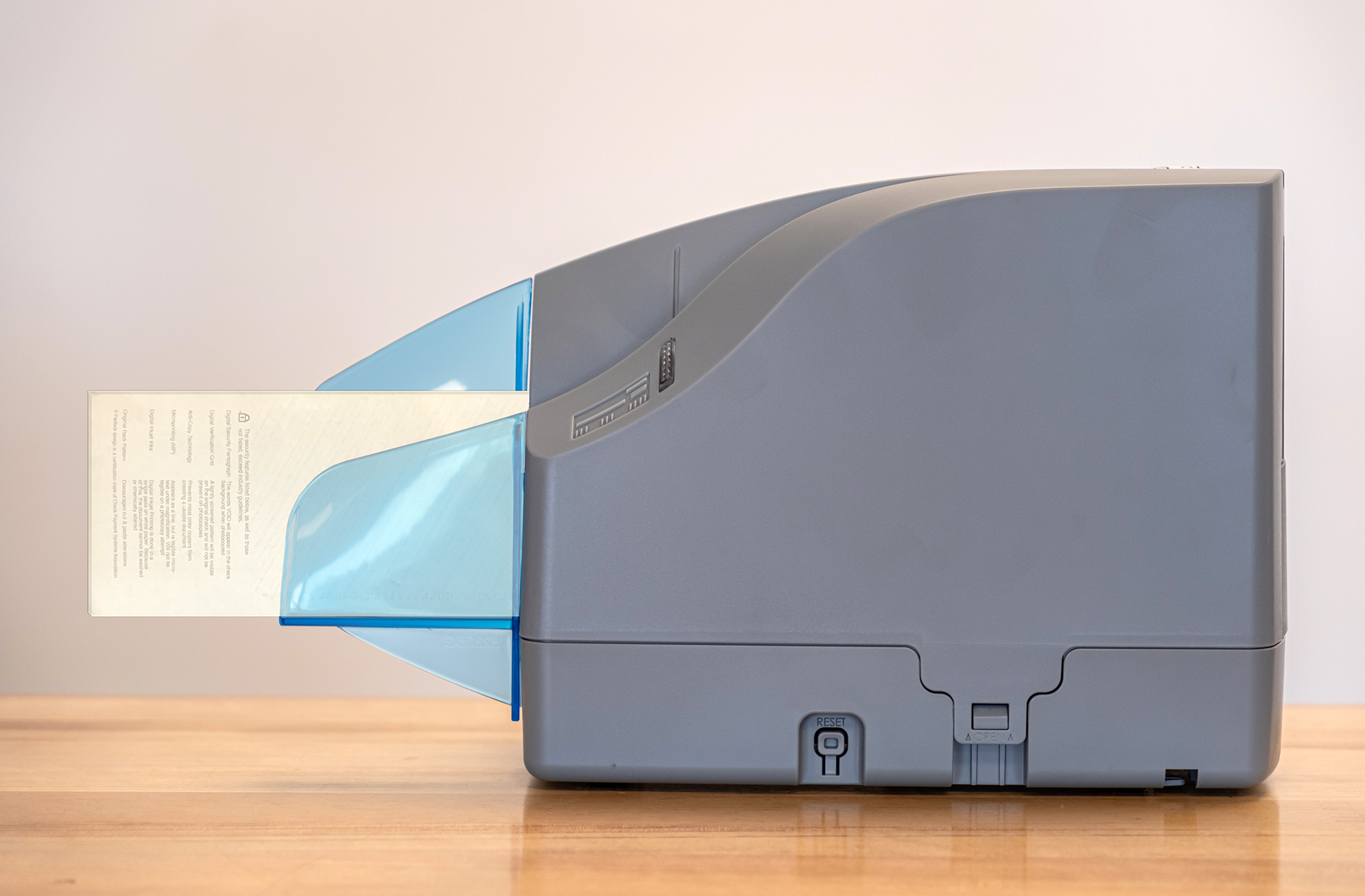
Remote Deposit Capture (RDC) is a convenient and efficient way for businesses to scan and deposit checks electronically without having to visit a branch. RDC helps businesses manage their deposits, improve cash flow, and streamline daily operations.
While RDC offers significant benefits, business owners must still establish strong internal controls and procedures to help prevent errors, reduce fraud risk, and ensure deposits are processed accurately. Here are 9 tips for getting the best results with RDC.
1. Verify your deposits before submitting them.
It’s essential to balance and verify your deposits before submitting them via RDC. Always confirm that the total deposit amount matches the checks being deposited. Taking a few extra moments to review your deposit can help prevent posting errors, rejected deposits, and delays in availability of funds. Even minor input errors can create discrepancies between your accounting records and your actual account balance.
2. Carefully review all check images.
Before submitting a deposit, review all scanned check images to ensure they are clear, complete, and legible. Verify that the following information can be easily read in every image:
- Payee information
- Check amount
- Date
- Signature (if applicable)
- Line at the bottom containing the routing number, account number, and check number in magnetic ink (this is called the magnetic ink character recognition line or MICR line)
Poor image quality or incomplete scans can result in processing delays or rejected deposits.
Bonus tip: If you experience issues with multiple-check scans, put the shortest checks (by height) at the front of the batch and the tallest checks (by height) at the back of the batch. This prevents the checks from sticking together or jamming the equipment, and any crooked or incomplete check images.
3. Prevent duplicate deposits.
Checks should only be deposited once, whether you’re using RDC or making a mobile deposit, ATM deposit, or in-branch transaction. Duplicate deposits can lead to returned items, account adjustments, operational disruptions, and inconvenienced customers.
Establish clear procedures to identify and track checks that have already been deposited. Consider marking deposited checks immediately after submission to help prevent accidental redepositing.
4. Reconcile your deposits daily.
Daily reconciliation is an essential control for any business using RDC. Compare RDC activity against your accounting records and banking transactions each day to identify:
- Missing deposits
- Duplicate transactions
- Processing errors
- Unauthorized activity
5. Secure deposited checks.
Original checks contain sensitive financial information and must be protected accordingly to prevent fraud, identity theft, or duplicate deposits. After a deposit has been successfully processed:
- Store checks in a secure location with restricted access.
- Retain original checks securely for the period recommended by your RDC agreement (minimum of 45 days) and your organization’s applicable record-retention requirements.
- Destroy checks securely when they are no longer needed.
6. Limit RDC access.
To reduce the risk of unauthorized transactions, errors, and internal fraud, only authorized employees should have access to RDC systems and equipment. Businesses should:
- Grant access only to employees with a legitimate business need.
- Review user permissions regularly.
- Use unique user credentials and avoid sharing login information.
- Remove access promptly when employees change roles or leave the organization.
7. Maintain your RDC equipment.
Keeping your RDC scanner and software in good working condition is critical to reliable deposit processing. Remove dust and lint from the scanner track and internal components on a weekly basis. Clean the scanner weekly to quarterly, depending on the volume of checks you scan and how often you use the equipment. Regular maintenance helps ensure:
- Accurate image capture
- Successful transmissions
- Fewer rejected deposits and check-feeding issues
- Improved security and system performance
If you experience equipment issues, call (707) 576-5070 option 4 or email us at BusinessAccountServices@redwoodcu.org.
8. Separate duties whenever possible.
Segregation of duties is one of the strongest internal controls available. This oversight reduces the chance for errors and makes it more difficult to hide fraudulent activity. Whenever possible, assign RDC responsibilities to different individuals:
- One employee prepares checks for deposit.
- Another submits the deposit.
- A third reconciles account activity.
9. Investigate exceptions and report suspicious activity immediately.
Rejected or duplicate deposits, adjustments, discrepancies, or unusual account activity should never be ignored. If you notice anything suspicious or out of the ordinary, contact Redwood Credit Union right away. Early reporting can help minimize losses and allow issues to be resolved more quickly.
Following these RDC practices will help protect your business
Remote Deposit Capture provides businesses with a secure, convenient, and efficient way to manage check deposits. By following these best practices, businesses can improve deposit accuracy, strengthen internal controls, reduce operational risks, and better protect themselves from fraud.
Proactive RDC management helps ensure your organization continues to benefit from the convenience of electronic deposits while maintaining the security and integrity of your financial operations.
PPP Forgiveness Application Deadline
Congress passed The Economic Aid Act which changed the deferment period from 6 months post covered period to 10 months post covered period. For example, if your covered period ended June 30, 2021, under the new guidelines the earliest your first loan payment wouldn’t be due until April 2022, and you have until then to request forgiveness. Please use the following calculation to help you identify when your forgiveness will be due:
- PPP borrowers may select a covered period anywhere from 8 weeks to 24 weeks.
- RCU is automatically calculating your loan due date based on a 24-week covered period, if you intend on using a shorter covered period please inform us immediately as this will impact your due date.
- Your correct deadline will be reflected in your online banking account.
If all or part of your PPP loan is not forgiven, your first loan payment will be due the first of the following month after a decision is made by the SBA.
Leaving Our Website
You are leaving our website and linking to an alternative website not operated by us. Redwood Credit Union does not endorse or guarantee the products, information, or recommendations provided by third-party vendors or third-party linked sites.